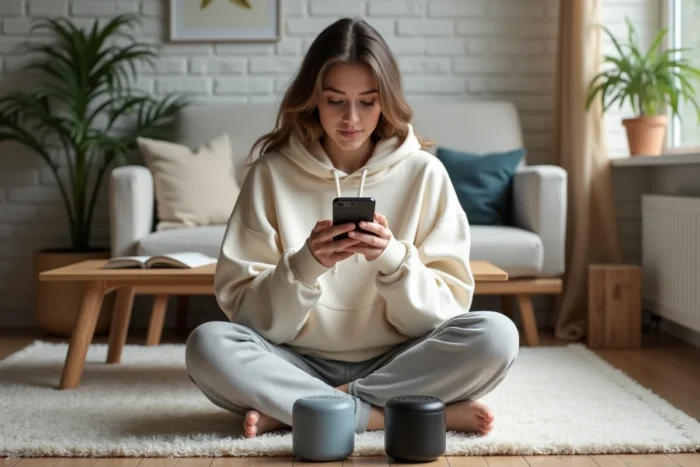
You start a playlist at a party, the sound comes from a single speaker placed in a corner, and half the room can hardly hear anything. The solution seems simple: stream the music on two Bluetooth speakers at the same time. In practice, standard Bluetooth does not provide for this possibility. You need to use a manufacturer function, a third-party app, or a recent protocol to achieve it.
Why standard Bluetooth blocks the connection to two speakers
The Bluetooth audio profile (A2DP) was designed to send a stream to only one receiver at a time. Your phone establishes a point-to-point link with one speaker, and that’s it.
When you try to connect a second speaker from the settings, the system disconnects the first one. This is not a bug: it is the normal behavior of the protocol. Manufacturers that offer streaming to two devices simultaneously do so by adding a software layer over this limitation.
This is why there are several approaches today, and each depends either on the phone brand, the speaker brand, or a third-party app to connect 2 bluetooth speakers that manages synchronization for you.
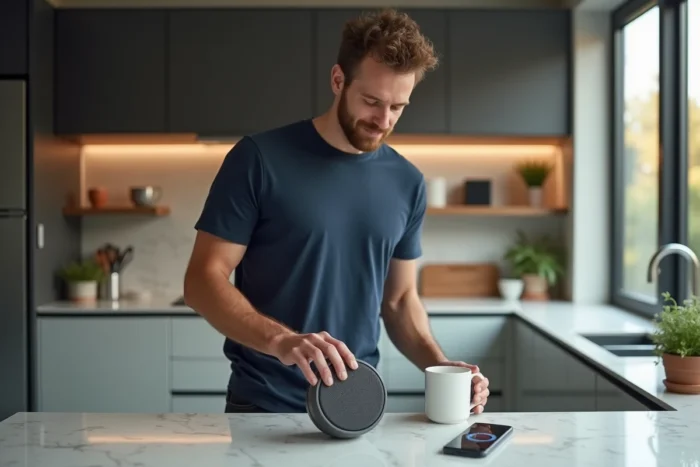
Samsung Dual Audio: the native solution on Galaxy
Have you noticed the “Media Output” panel that appears when you swipe down on the quick settings of a Samsung Galaxy? That’s where the Dual Audio feature is hidden.
Specifically, it allows you to select two Bluetooth devices from the list of connected devices and send them the same audio stream. No need to install anything. The feature is built into the system.
How to activate it
- Connect your two Bluetooth speakers from the usual phone settings.
- Open the notification panel, tap on “Media Output” (or the audio device icon).
- Check both speakers in the displayed list. The sound is played simultaneously.
The main limitation: this feature is reserved for Samsung Galaxy phones. If you are using a Pixel, a Xiaomi, or an iPhone, it does not exist. Samsung also distinguishes this feature from “Music Share,” which is used to share control of a speaker with another phone, not to stream to two speakers from yours.
AmpMe and third-party audio synchronization apps
On phones that offer nothing natively, AmpMe remains the most well-known app for synchronizing multiple devices. The principle is different from Dual Audio: instead of sending two Bluetooth streams from a single phone, AmpMe turns each phone into an audio relay.
Each participant installs the app, joins a session, and their own speaker (or connected speaker) plays the same track in sync. The result works for a party or a picnic, but the quality depends on each participant’s Wi-Fi or mobile data connection.
What AmpMe does well and what it doesn’t
AmpMe manages synchronization between phones with a latency generally acceptable for background music. However, it does not create a true Bluetooth link between your phone and two speakers. Each speaker remains controlled by its own phone.
Another point to check: some features of AmpMe require a paid subscription. The free version may display ads or restrict the available music sources. Read the terms before relying on it for regular use.
Speaker manufacturer functions: JBL Connect, Bose Party Mode, UE Boom
The third option, often the most reliable in terms of sound quality, involves the speakers themselves. Several manufacturers integrate a multi-speaker mode in their dedicated app.
- JBL Connect+ (and its newer Auracast-ready version) allows you to link multiple compatible JBL speakers together via the JBL Portable app. The phone sends the stream to a “master” speaker, which redistributes it to the others.
- Ultimate Ears (UE Boom) offers a similar function via the UE BOOM app. Two UE speakers can play in stereo (left/right) or in “double” mode, where both play the same sound.
- Bose offers a Party mode on certain models via the Bose Connect app, which groups several compatible Bose speakers on the same stream.
The common point of these solutions: they require speakers of the same brand, and often from the same range. It is impossible to pair a JBL with a UE Boom via these proprietary apps.
Auracast: the Bluetooth protocol that changes the game
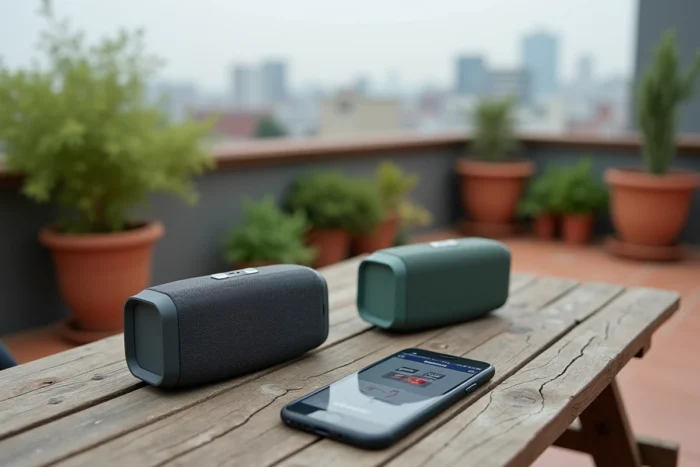
Auracast is a feature of Bluetooth LE Audio, the latest generation of the Bluetooth standard. Its principle is radically different: instead of a point-to-point connection, the source device broadcasts an audio stream that any compatible receiver can pick up, like a radio station.
In practice, this means that an Auracast-compatible phone can send music to two, five, or ten speakers without third-party apps or brand restrictions. Synchronization is managed at the protocol level, not by an added software layer.
The current limitation: Auracast requires devices that are at least Bluetooth 5.2 compatible, both on the source and receiver sides. Most speakers in circulation today do not yet support it. The first compatible models are gradually arriving on the market, but the complete renewal of the fleet will take time.
What choice based on your equipment
The right tool entirely depends on what you already own. A Samsung Galaxy owner with any two speakers will activate Dual Audio in seconds. Someone who owns two JBL Flip will go through JBL Connect+ without a second thought.
If you mix brands and do not have a Samsung, AmpMe remains the most accessible option, provided you accept its limitations (possible latency, subscription, need for a second phone). And if you are renewing your equipment soon, checking Auracast compatibility on new speakers is a reflex that will save you from relying on an app in a few months.
The market is evolving towards native multi-speaker streaming, directly integrated into Bluetooth. Until then, the combination of manufacturer function + third-party app covers the vast majority of real-world situations.